

Plex HTPC
Discover how the Plex HTPC Linux media player transforms your computer into a premium home theater system. Read our full setup and feature review.
Turn Your Linux PC Into a Media Powerhouse
The Plex HTPC Linux media player is designed specifically for users who want to bridge the gap between their computer's media library and the living room television. Built for the big screen, this dedicated client brings a polished, console-style interface to your Linux distribution, ensuring your self-hosted movies, TV shows, and music look spectacular on a high-definition monitor or TV.
A Native 10-Foot Interface for Your Living Room
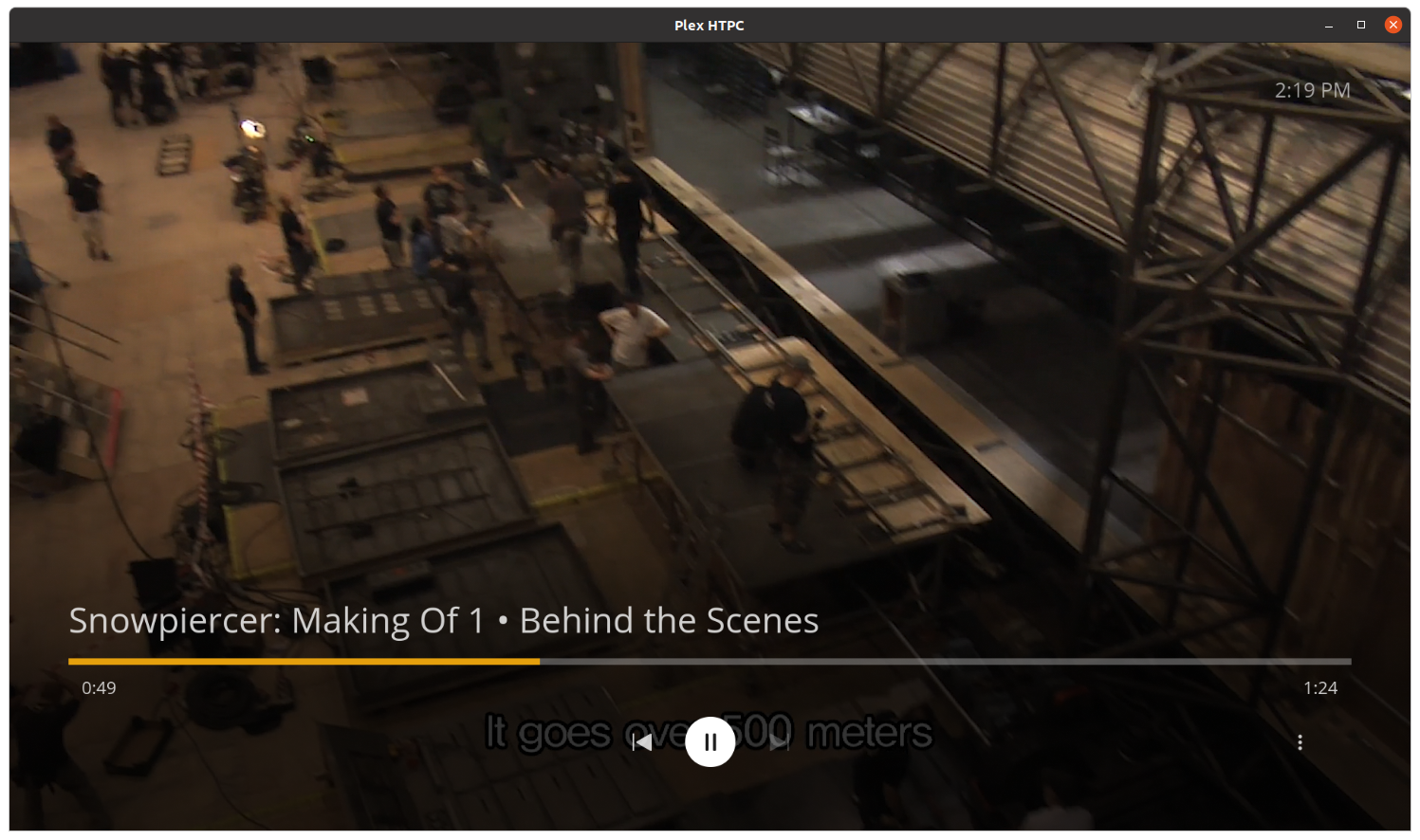
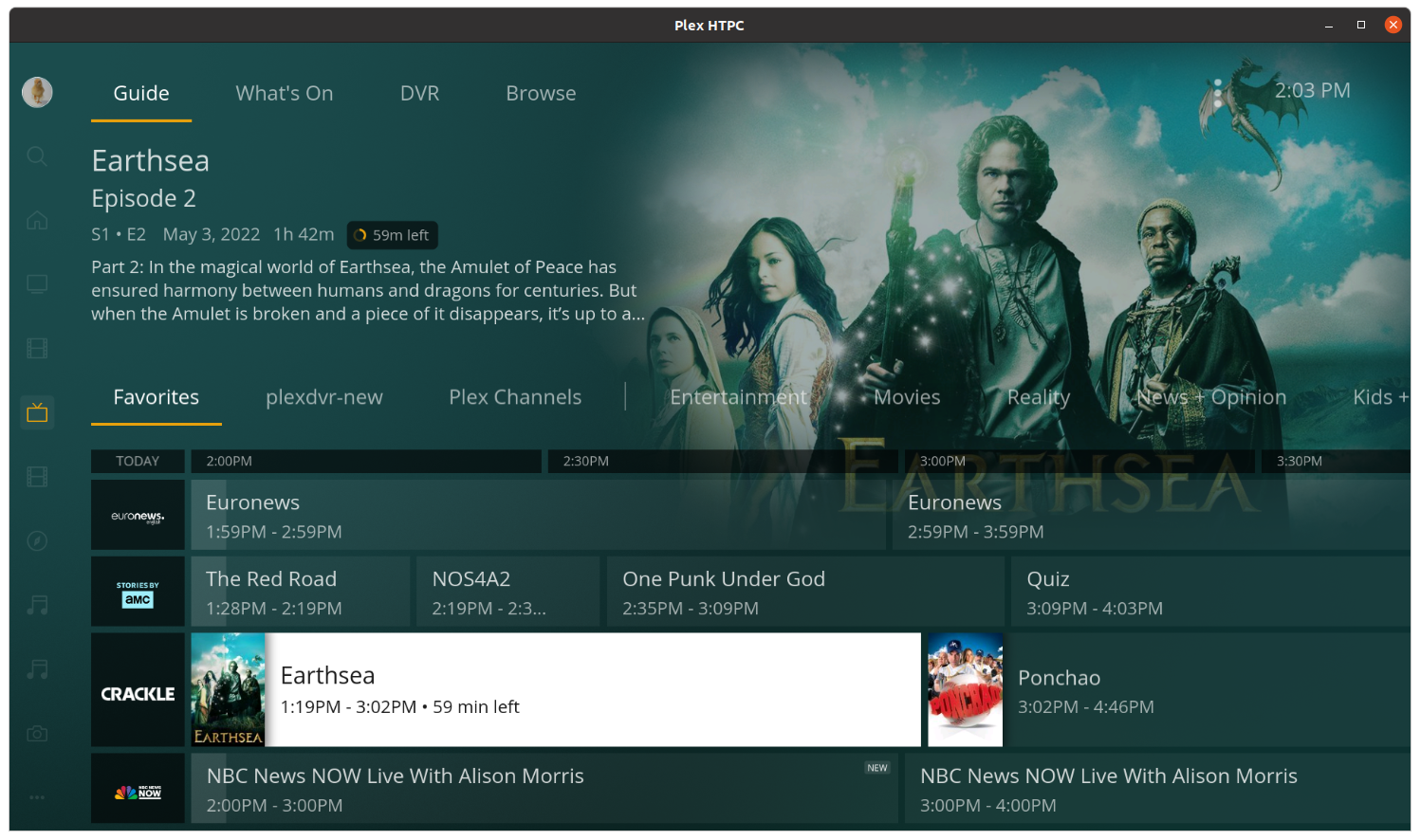
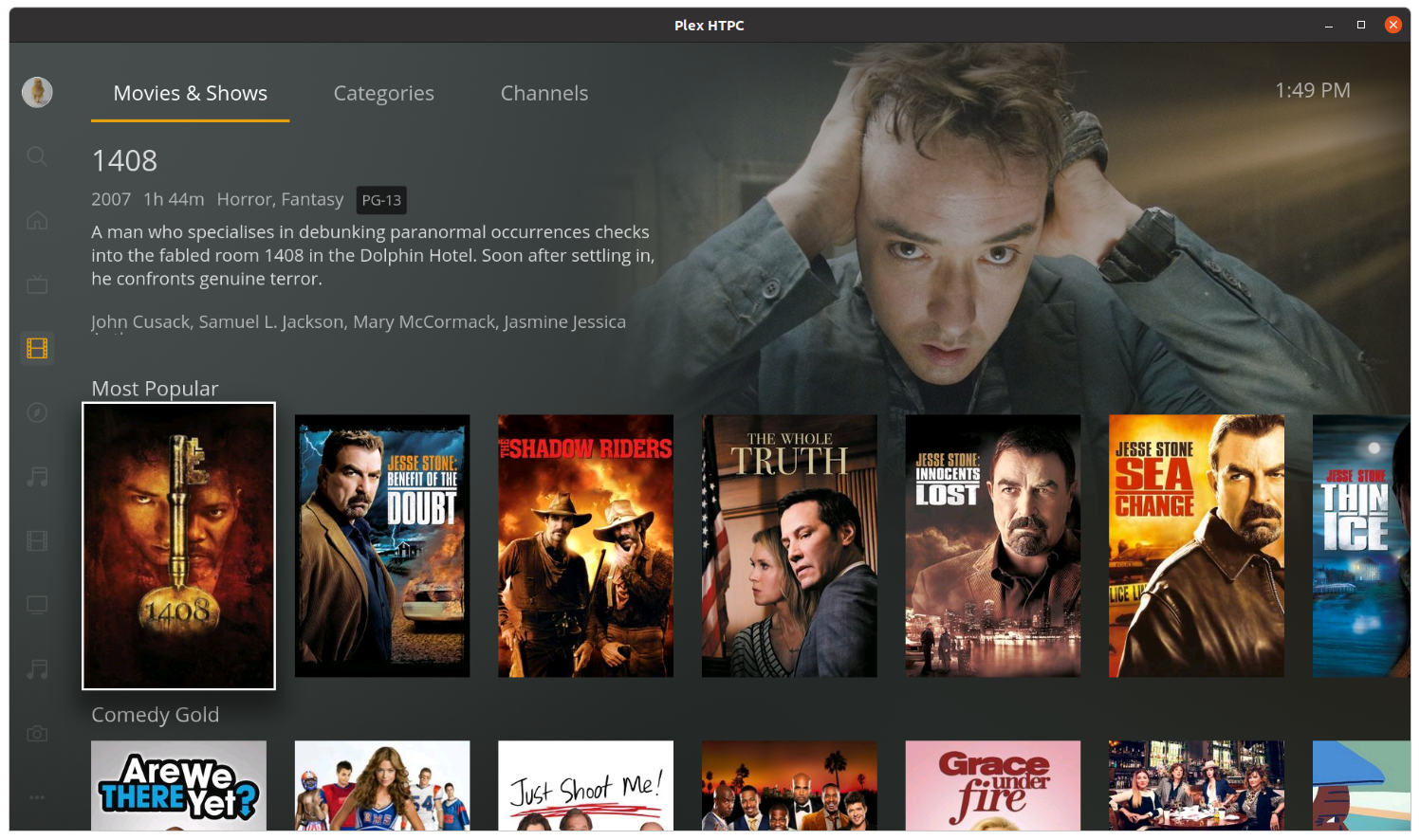
Standard desktop media players often fall short when controlled from a couch. The Plex HTPC Linux media player solves this by implementing a native "10-foot user interface." This layout features large, legible text, intuitive navigation, and poster art designed to be easily readable from several feet away. Whether you are using a keyboard, a compatible remote control, or a gamepad, navigating your library feels fluid and responsive.
Key Capabilities and Engine Performance
- Robust Playback Engine: Built to handle demanding high-bitrate video and complex audio formats without stuttering, offering native Linux performance.
- Designed for Remote Input: Optimized for controller and remote navigation, eliminating the need to use a mouse on your living room coffee table.
- Clean Presentation: Automatically pulls metadata, posters, and background art to create an immersive browsing experience.
Who Is This Media Client For?
If you have a dedicated home theater PC (HTPC) running Linux connected directly to your TV or AV receiver, this application is tailored specifically for your setup. It bypasses the limitations of web browsers, offering hardware acceleration and advanced audio pass-through options that purists demand for their home theater setups. It is the ideal solution for Linux enthusiasts who refuse to compromise on audio and video playback quality.
Getting Started with the Application
To enjoy this optimized living room experience, you will need an active Plex Media Server running on your local network or accessible remotely. Once connected, the interface synchronizes your watched status, on-deck items, and personalized recommendations instantly.
Ready to upgrade your home entertainment setup? You can find more information and download the official client by visiting the Plex HTPC page on Flathub.