
Cozy FM – Podcast Player
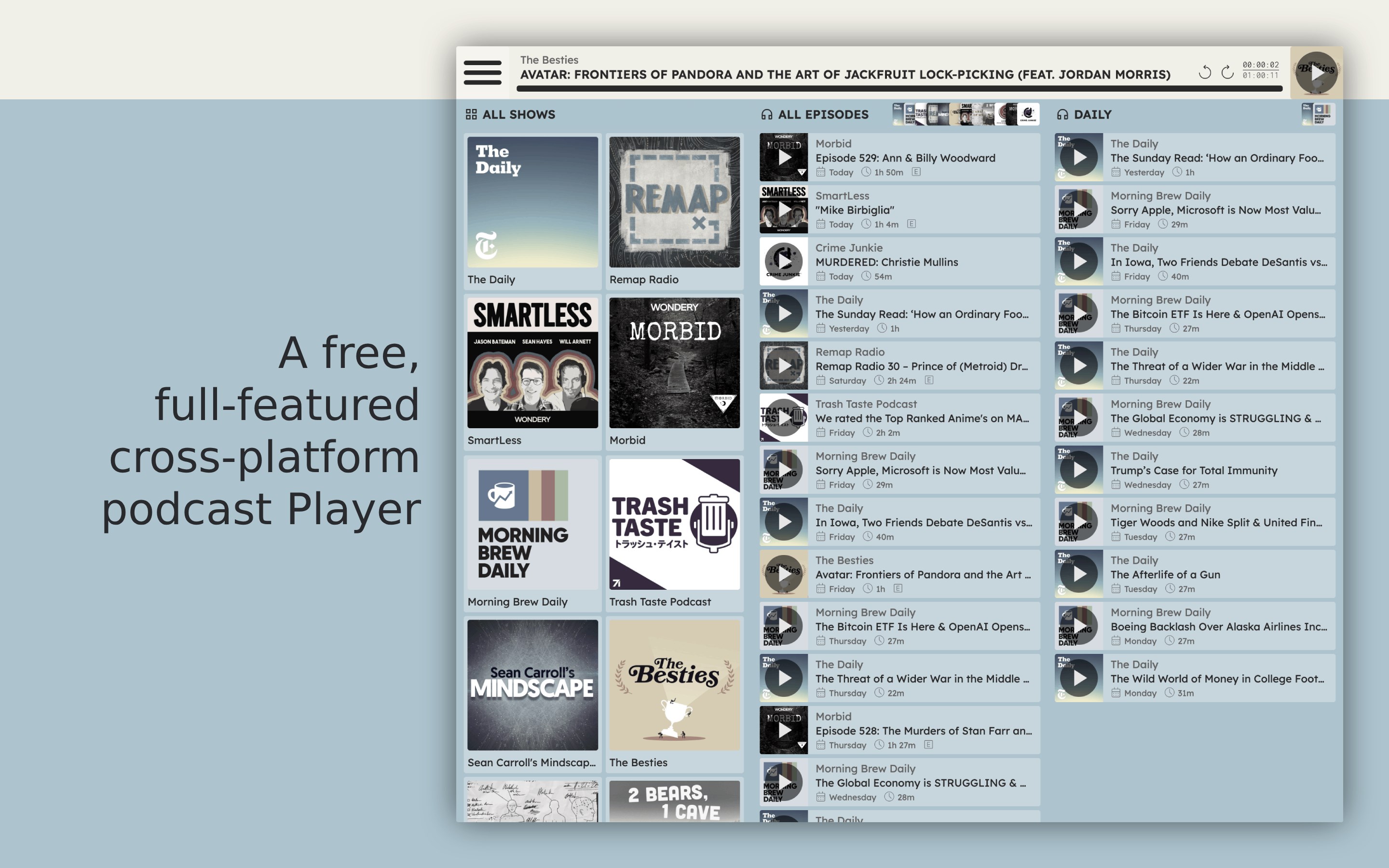
Discover Cozy FM – Podcast Player for Windows. Our detailed review explores its seamless cross-device syncing, offline playback, and privacy-first features.
A Seamless Listening Journey on Windows
Finding a desktop audio application that balances robust functionality with a clean user experience can be challenging. The Cozy FM – Podcast Player addresses this gap by offering Windows users a highly polished environment to discover, organize, and enjoy their favorite spoken-word content. From the moment you launch the application, the focus is entirely on your listening journey, stripped of the intrusive telemetry and aggressive monetization that clutter other modern media players.
Key Features of the Cozy FM – Podcast Player
What sets this application apart is its commitment to a feature-rich, user-first utility model. Here is a breakdown of the standout capabilities you will experience:
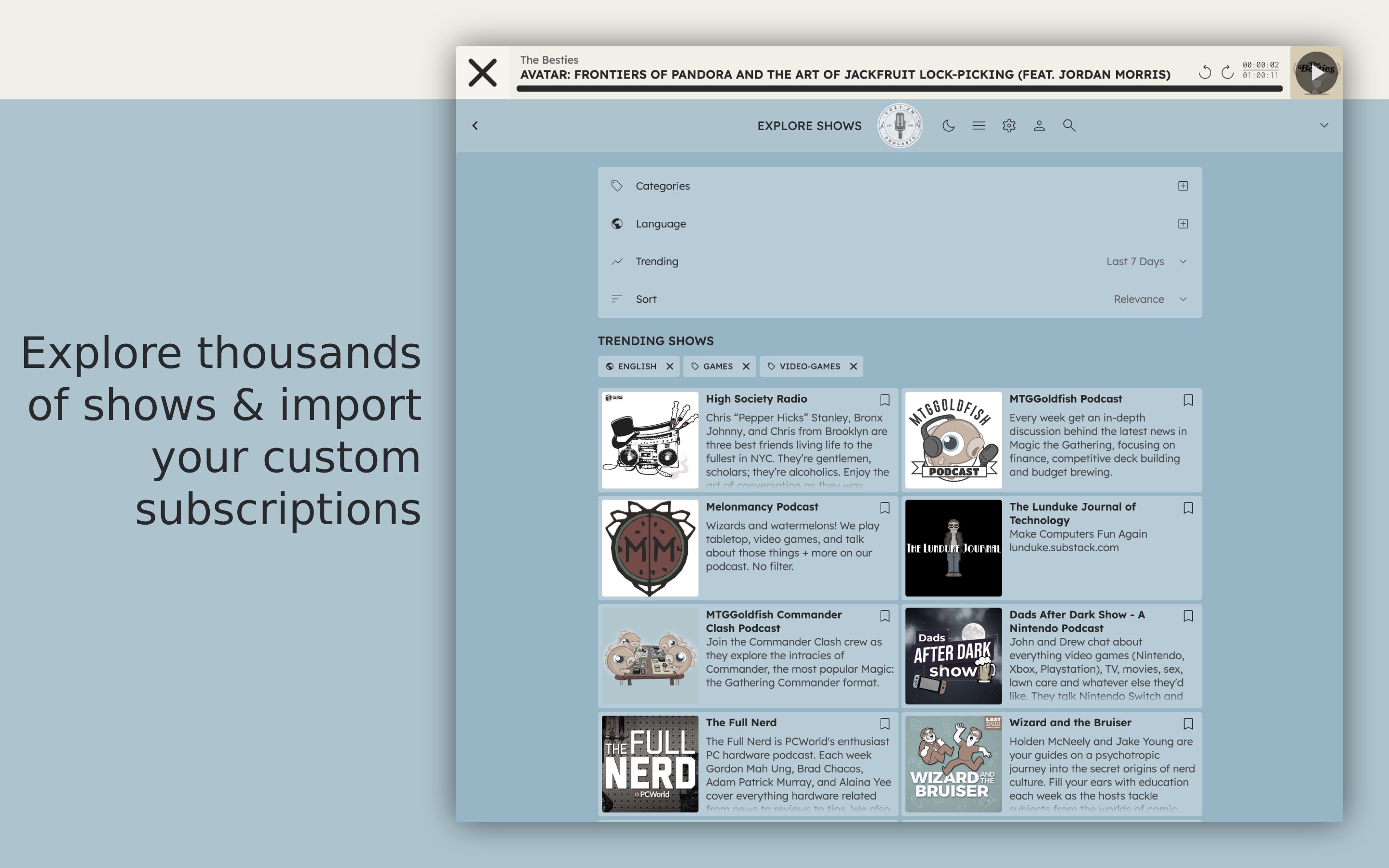
- Expansive Content Library: Instantly explore over 4 million shows spanning global topics, niche interests, and mainstream productions.
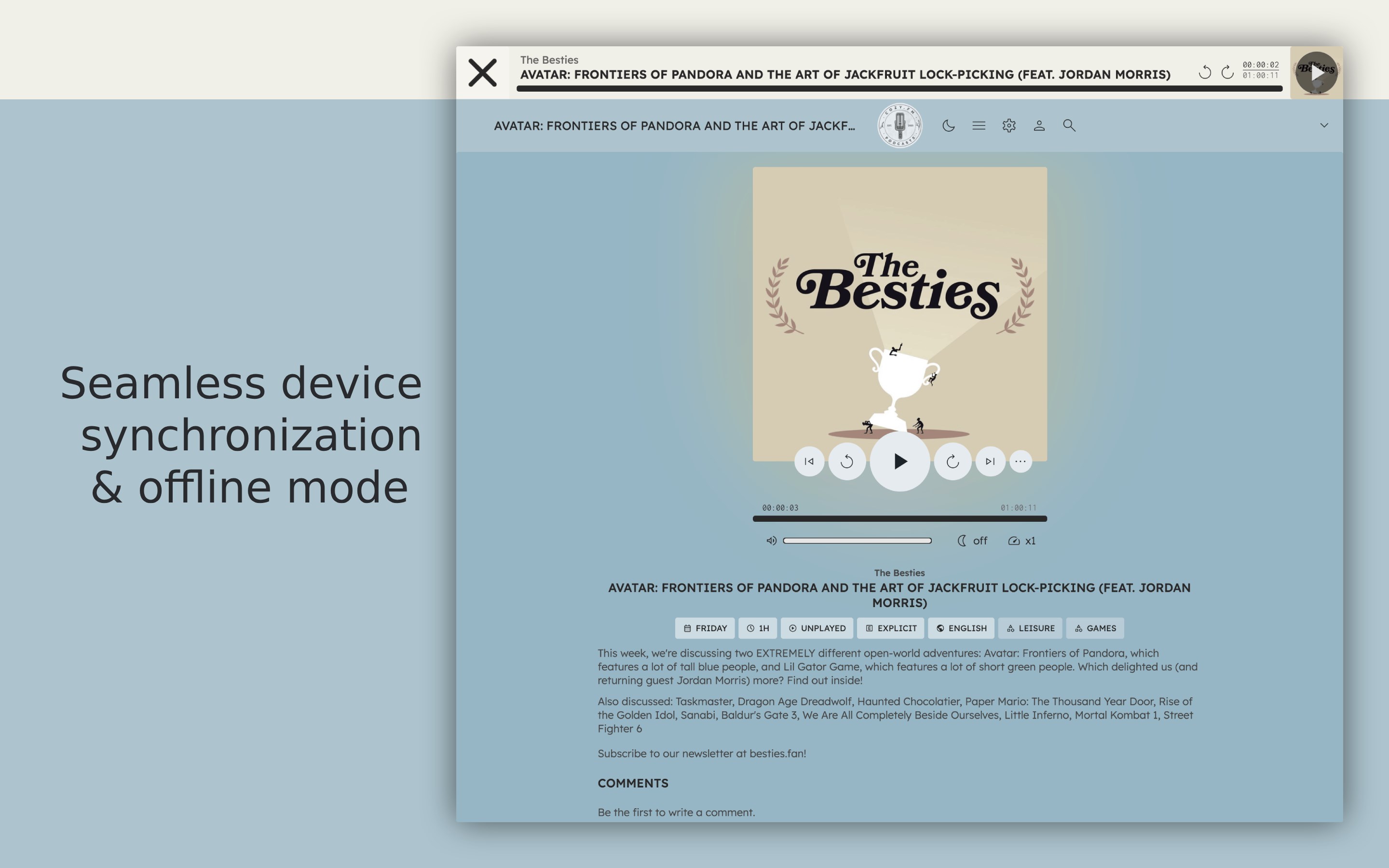
- Cross-Device Synchronization: Keep your subscription list and playback progress perfectly aligned across unlimited devices, including instant access to your library via any web browser.
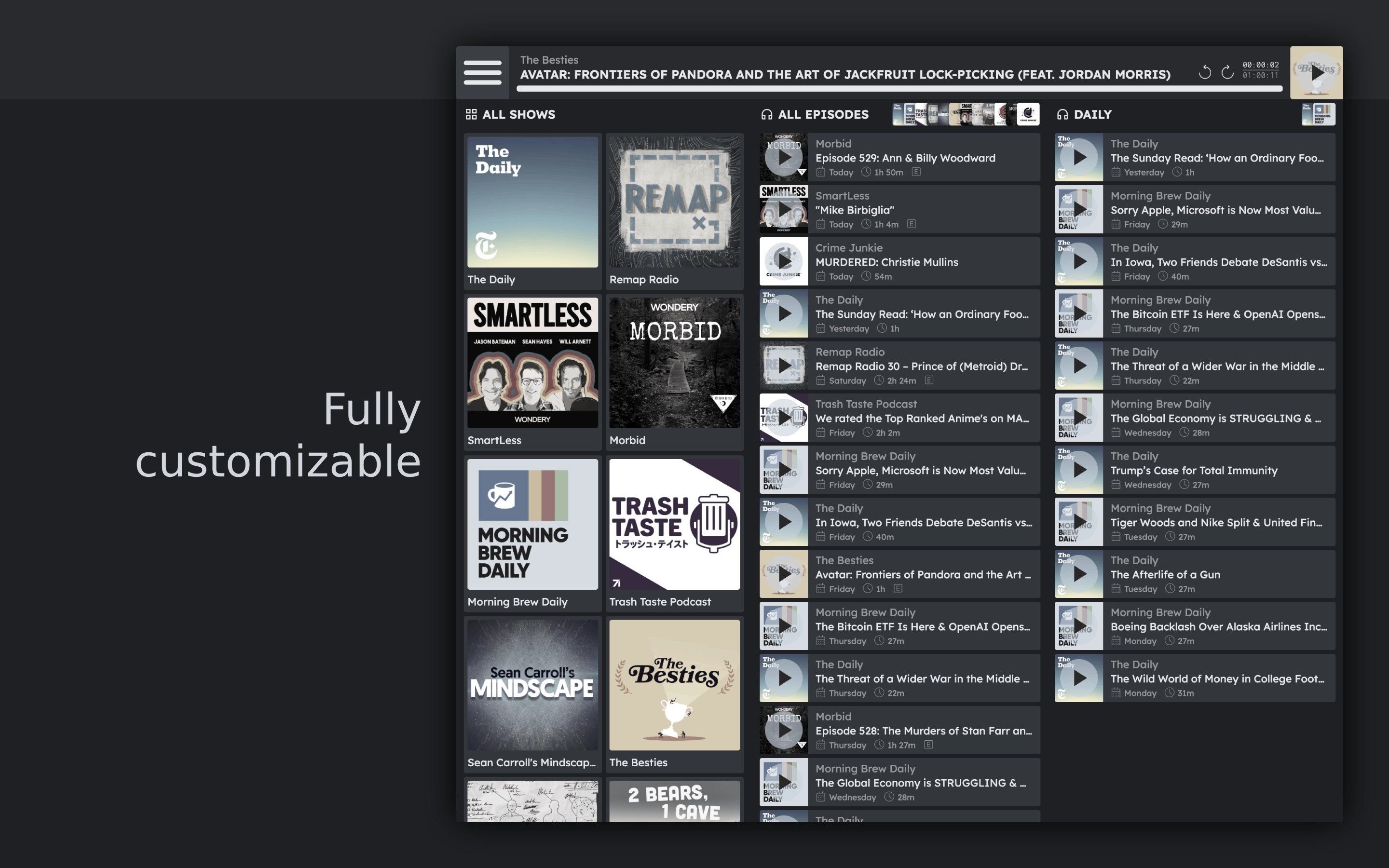
- True Offline Capabilities: Download episodes directly to your local storage to enjoy uninterrupted playback when traveling or disconnected from the internet.
- Custom Feed Imports: Take full control of your media by importing custom RSS podcast feeds or migrating your existing library from other players.
- Advanced Playback Tools: Fine-tune your experience with granular playback speed adjustments, a built-in sleep timer, and seamless integration with native Windows system-wide audio controls.
A Privacy-First Architecture
In an era of pervasive data harvesting, the Cozy FM – Podcast Player stands out for its exemplary stance on user privacy. The application requires no account registration to get started, contains absolutely no in-app purchases, and collects zero user data (except for basic credentials if you choose to set up synchronization). It delivers a pure, uncompromised focus on your audio feeds without background tracking.
Who Is This Desktop Player For?
If you are a power listener who values organized custom playlists, demands seamless transitions between your desktop and browser, and prefers a quiet, ad-free interface, this software is tailored for you. It bridges the gap between simple RSS readers and heavy, resource-intensive media centers.
How to Get Started
Ready to elevate your desktop listening experience? You can explore the full capabilities of the Cozy FM – Podcast Player and add it to your Windows setup by visiting the official Microsoft Store today.