
Podcast Fetcher Lite
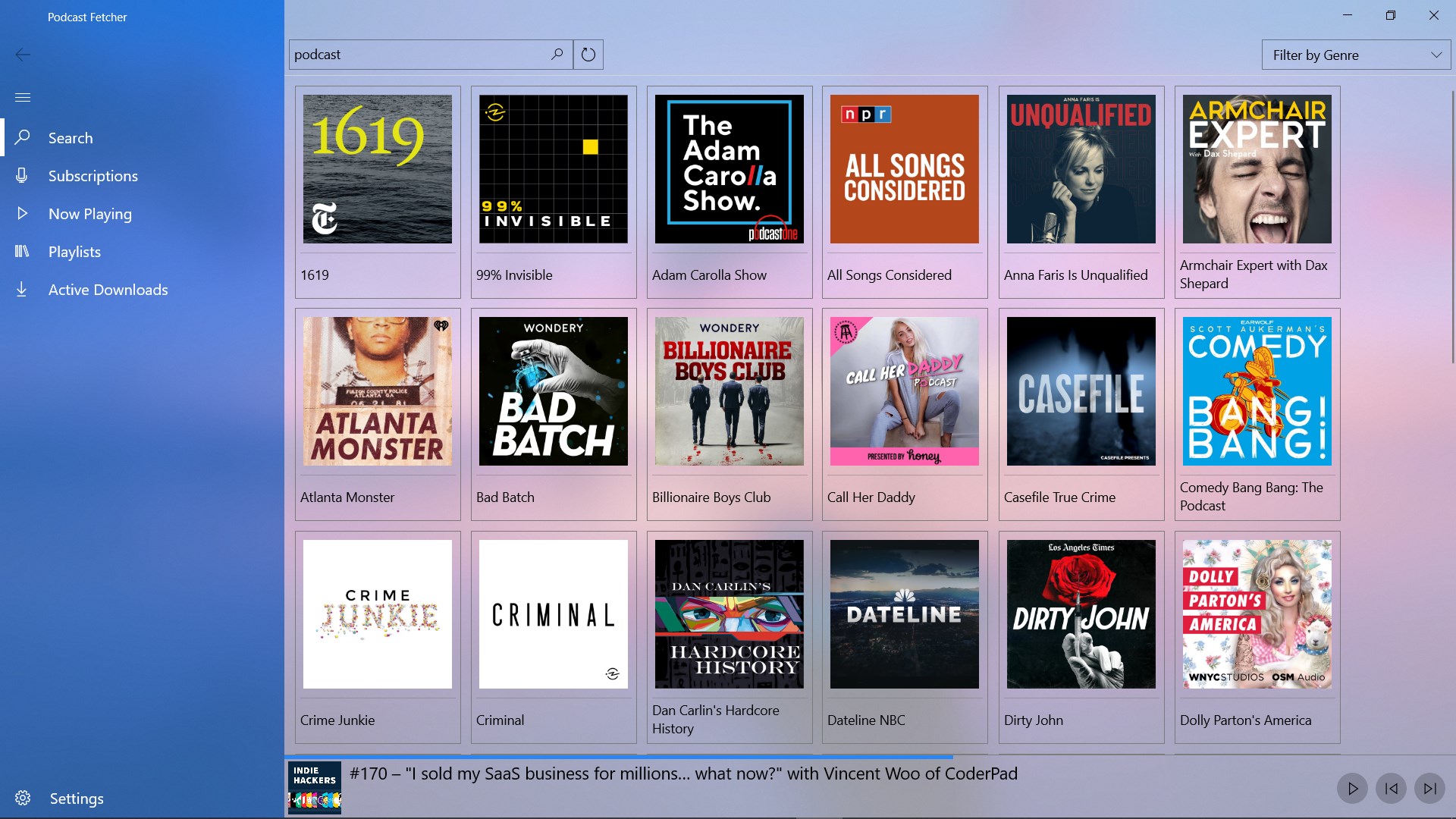
Discover how Podcast Fetcher Lite simplifies your audio and video podcast streaming on Windows 10 and 11. Read our full hands-on review.
Finding a streamlined, efficient media player for your desktop can transform how you consume daily media, and Podcast Fetcher Lite is designed to do exactly that. Developed by Kareem Sulthan, this lightweight Windows application offers desktop users a seamless way to access and enjoy a massive catalog of audio and video podcasts directly from iTunes. If you want a clutter-free, high-performance listening experience without the bloat of traditional media suites, this utility is tailored specifically for your setup.
Streamlined Desktop Listening with Podcast Fetcher Lite
As a specialized lightweight podcast player, the app focuses heavily on performance and ease of use. Instead of overwhelming users with unnecessary social features or complex syncing menus, it delivers a direct pipeline to your favorite iTunes feeds. It is built natively for modern Windows environments, ensuring that it runs smoothly in the background while you work, study, or relax.
Key Features of the Media Player
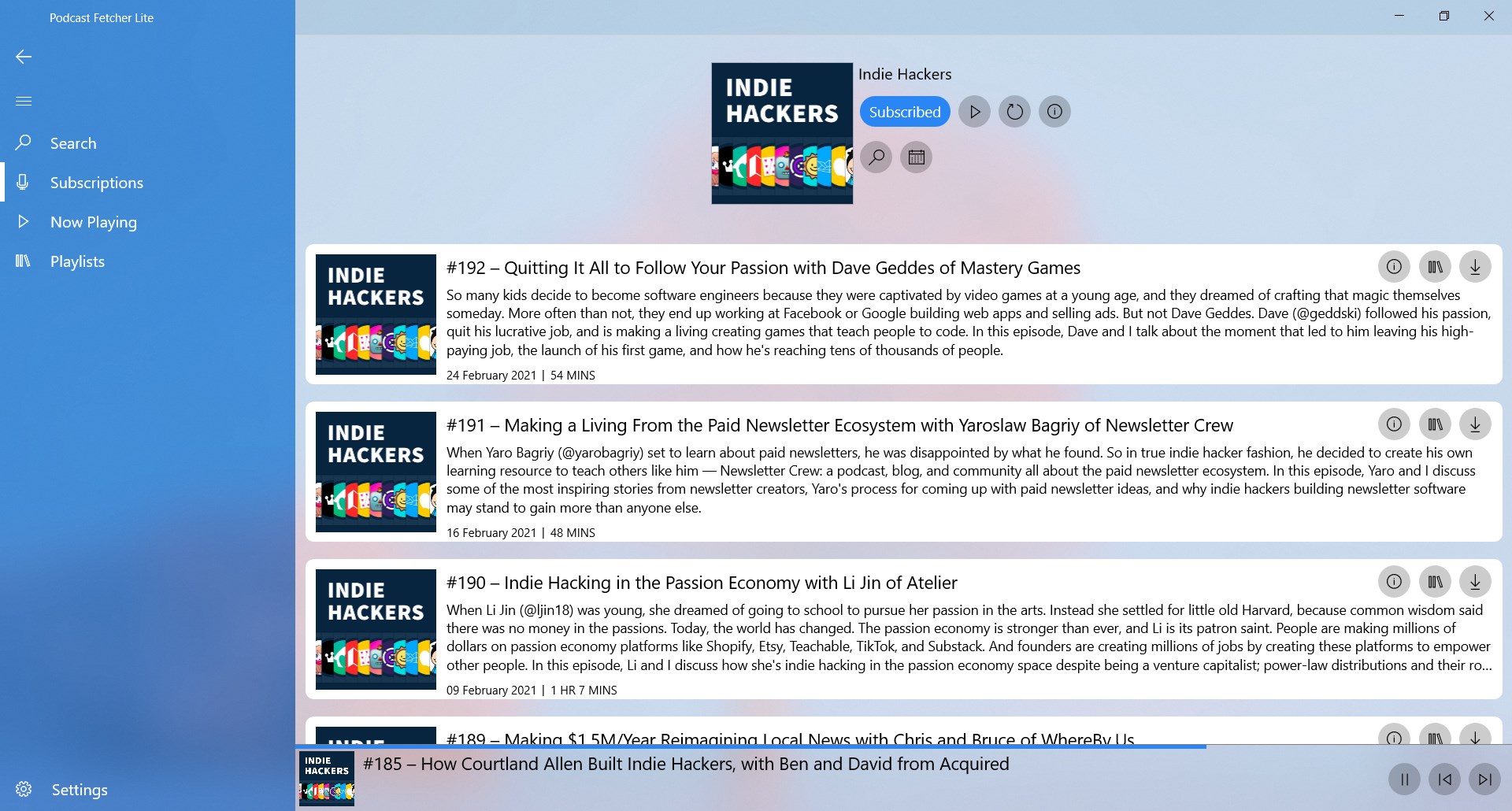
- iTunes Integration: Browse and stream an extensive library of public podcasts without needing an external account or complex configurations.
- Audio & Video Support: Unlike basic players that limit you to voice tracks, this app effortlessly handles high-definition video podcasts.
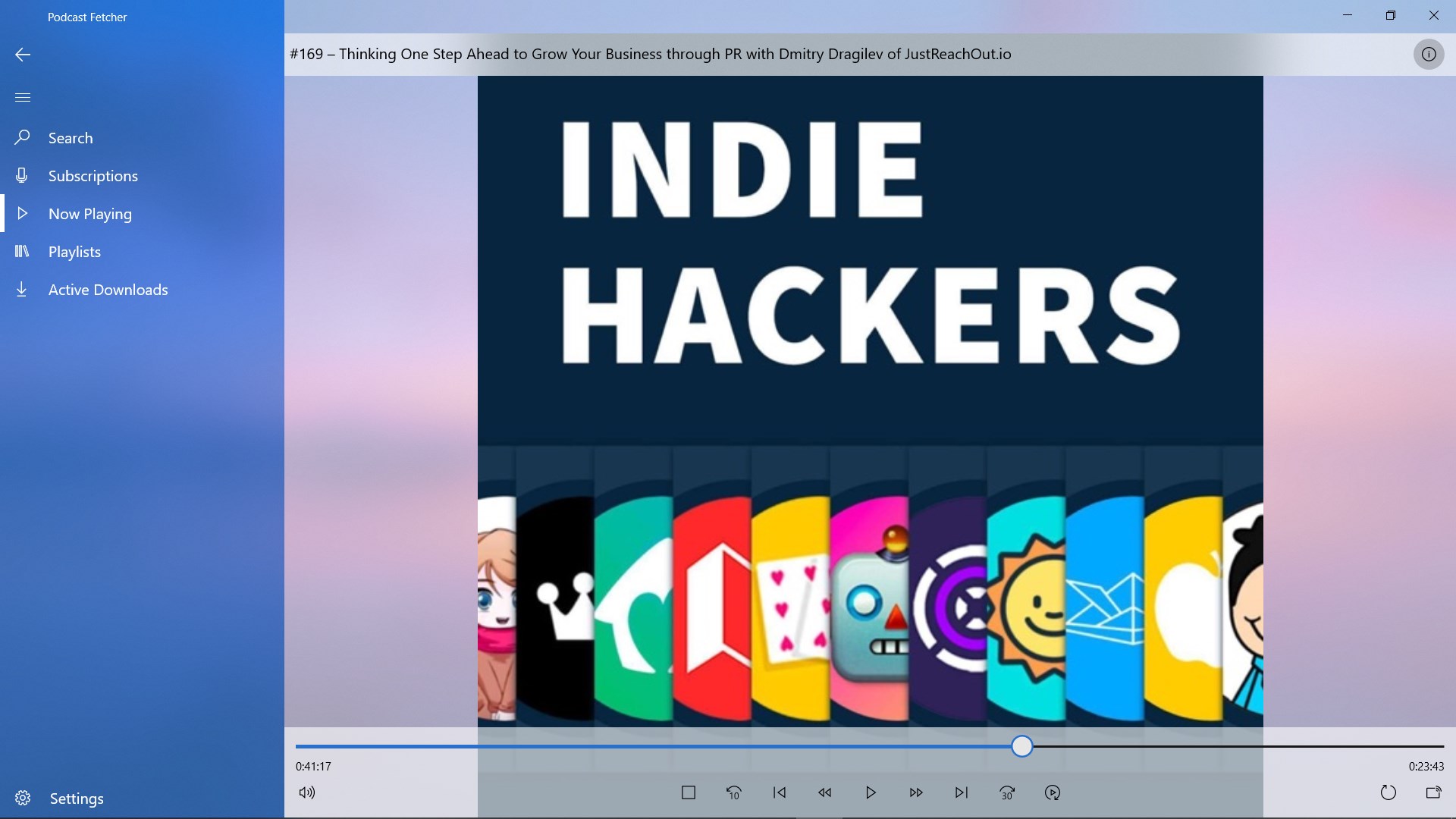
- Advanced Playback Controls: Enjoy a highly responsive media engine designed to outperform standard store alternatives in terms of speed and resource efficiency.
- Optimized for Windows: Fully compatible with both Windows 10 and Windows 11, utilizing native system resources for a lightweight footprint.
Who Is This Lightweight Podcast Player For?
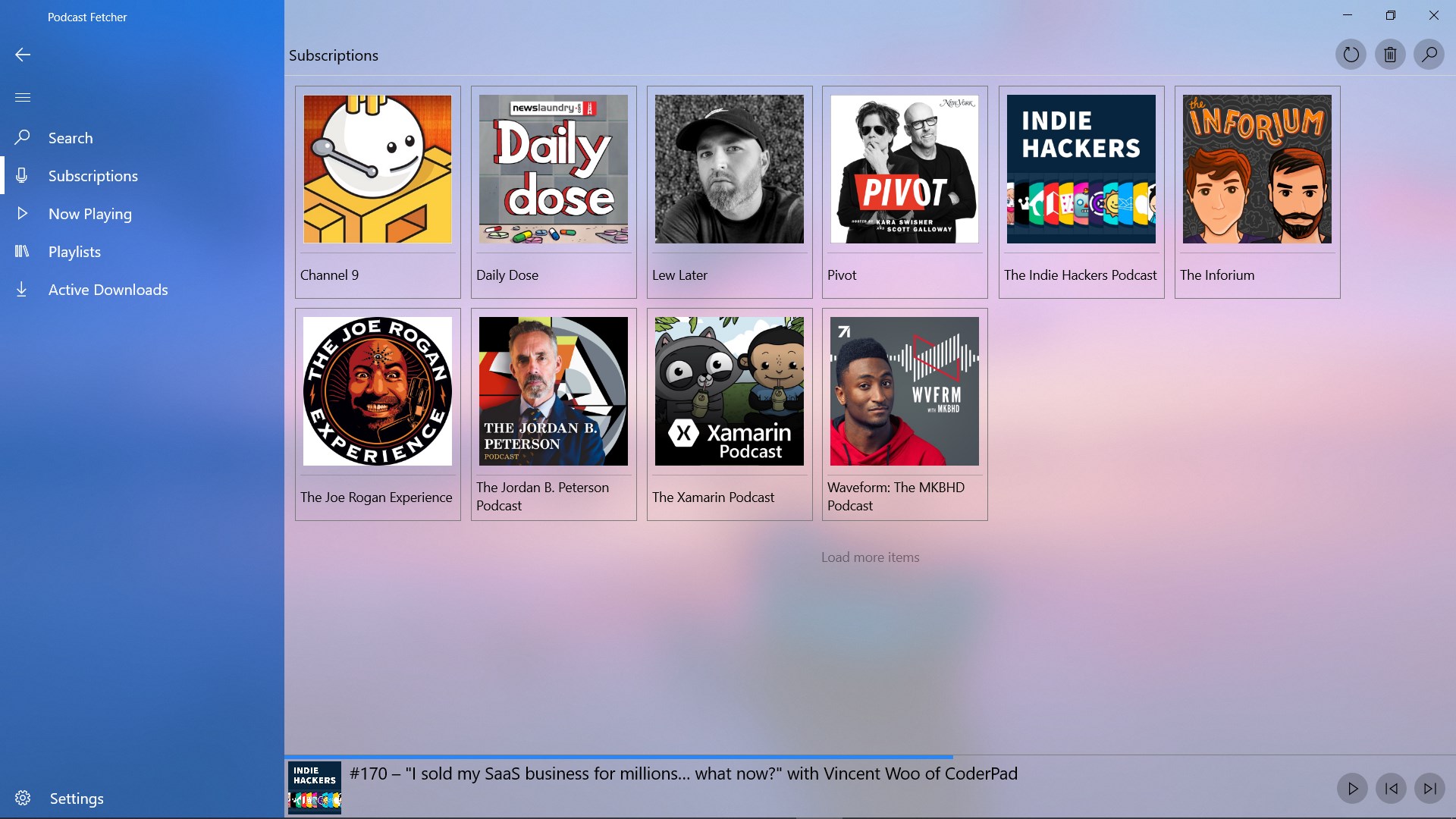
This application is ideal for professionals, students, and casual listeners who spend hours at their PC and prefer a dedicated, independent media tool. If you find web-based players too distracting or resource-heavy, having a native Windows utility allows you to control your playback easily via keyboard shortcuts and system media overlays. It bridges the gap between simplicity and advanced playback functionality perfectly.
Get Started on Windows
If you are ready to upgrade your desktop listening routine with a fast, reliable, and highly functional player, this application is an excellent choice. To experience its advanced media capabilities for yourself, head over to the official Microsoft Store to download the app and start organizing your feed queue today.