

Podcast Player Prime
Read our comprehensive review of Podcast Player Prime, a customizable Windows application designed to streamline your podcast listening and downloading.
Streamline Your Audio Experience with Podcast Player Prime
Finding a reliable desktop application that balances simplicity with deep customization can be a challenge. Podcast Player Prime podcast player offers Windows users a dedicated platform to organize, stream, and manage their favorite audio shows without the bloat of larger media suites. Developed by tlintspr, this entertainment utility focuses on providing a clean environment tailored specifically to speech and episodic audio consumption.
Key Features and Practical Capabilities
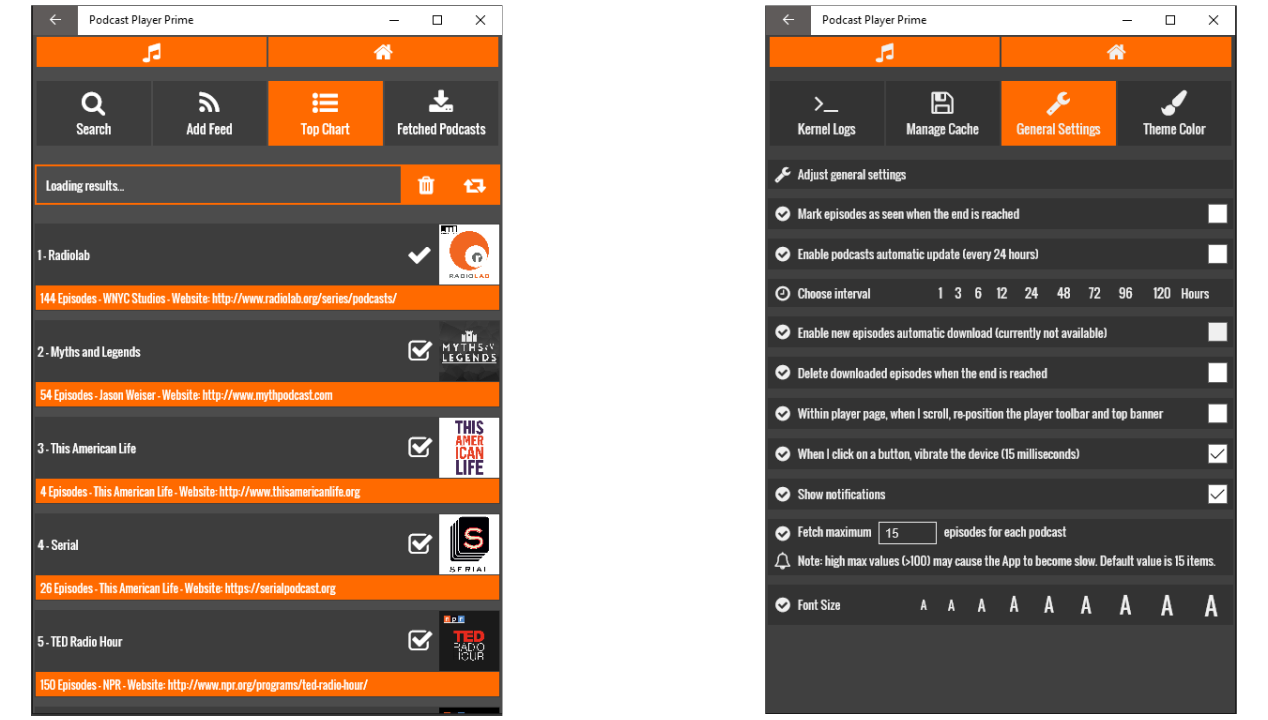
Unlike basic web players, this application integrates several native tools that enhance how you interact with audio content daily:
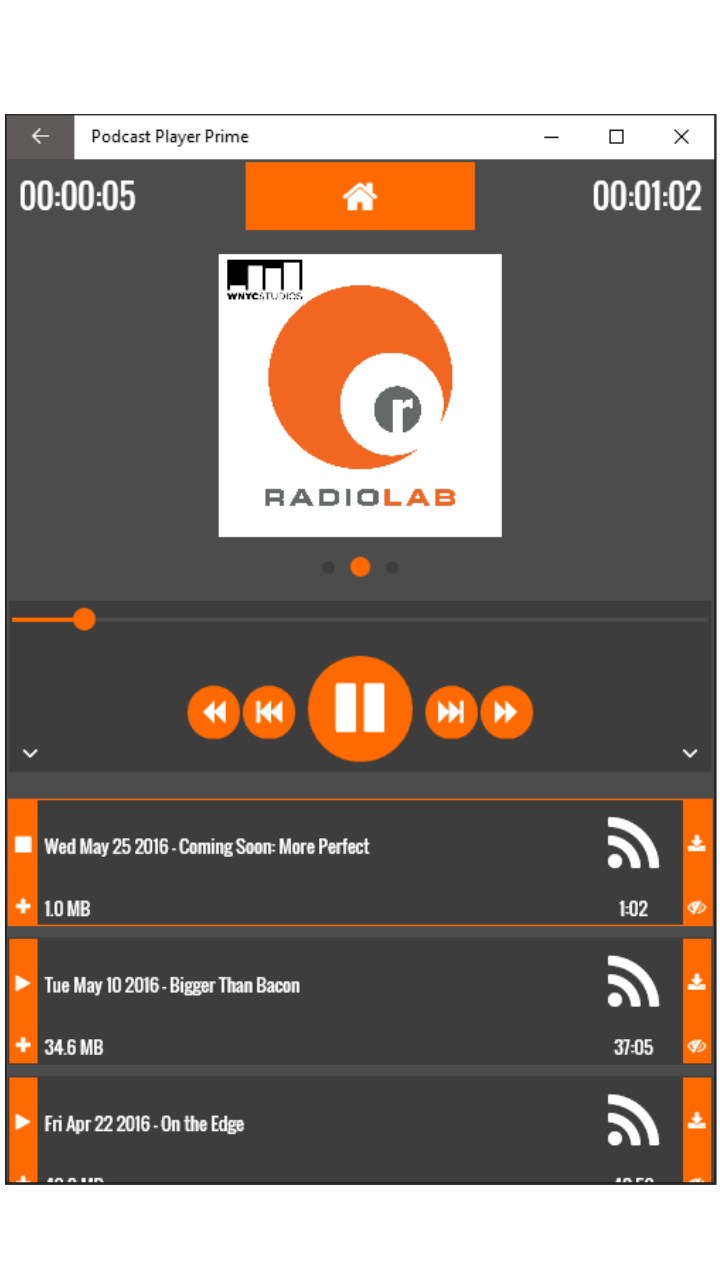
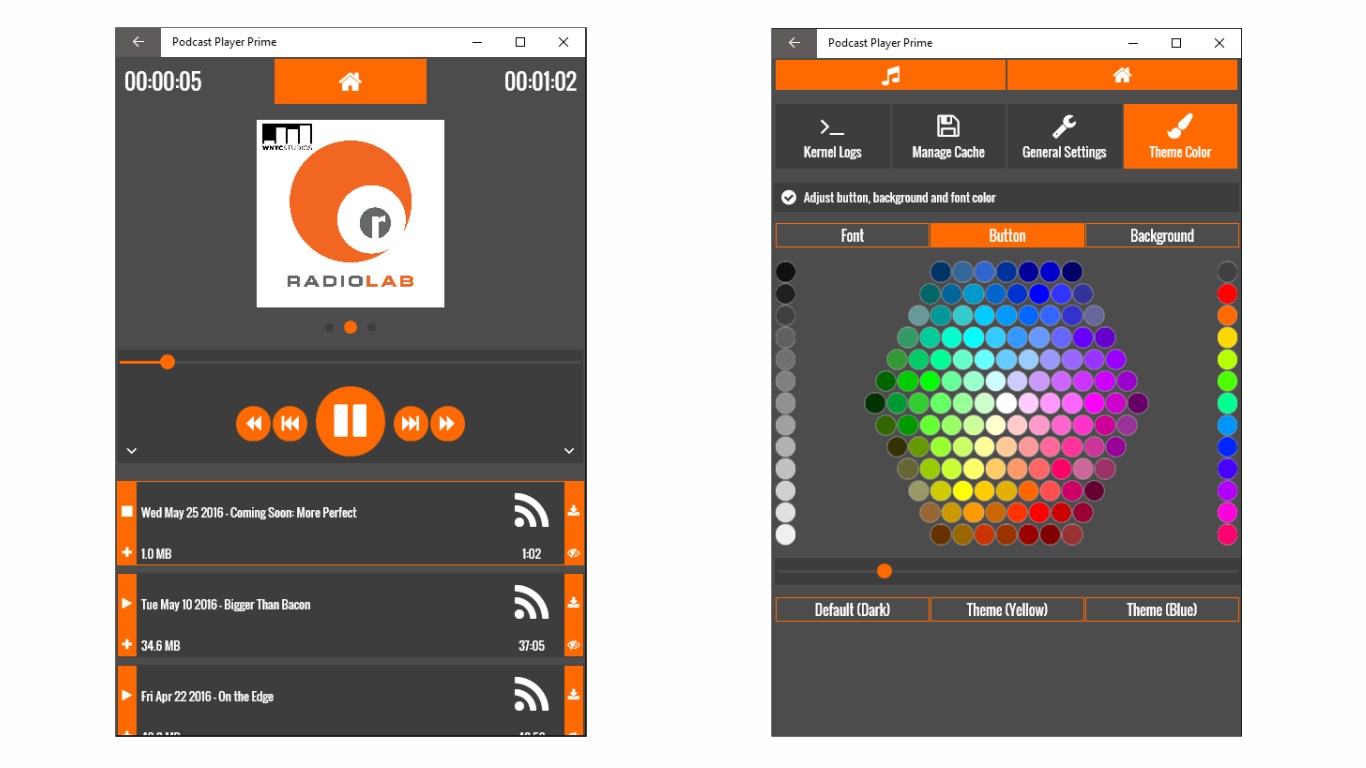
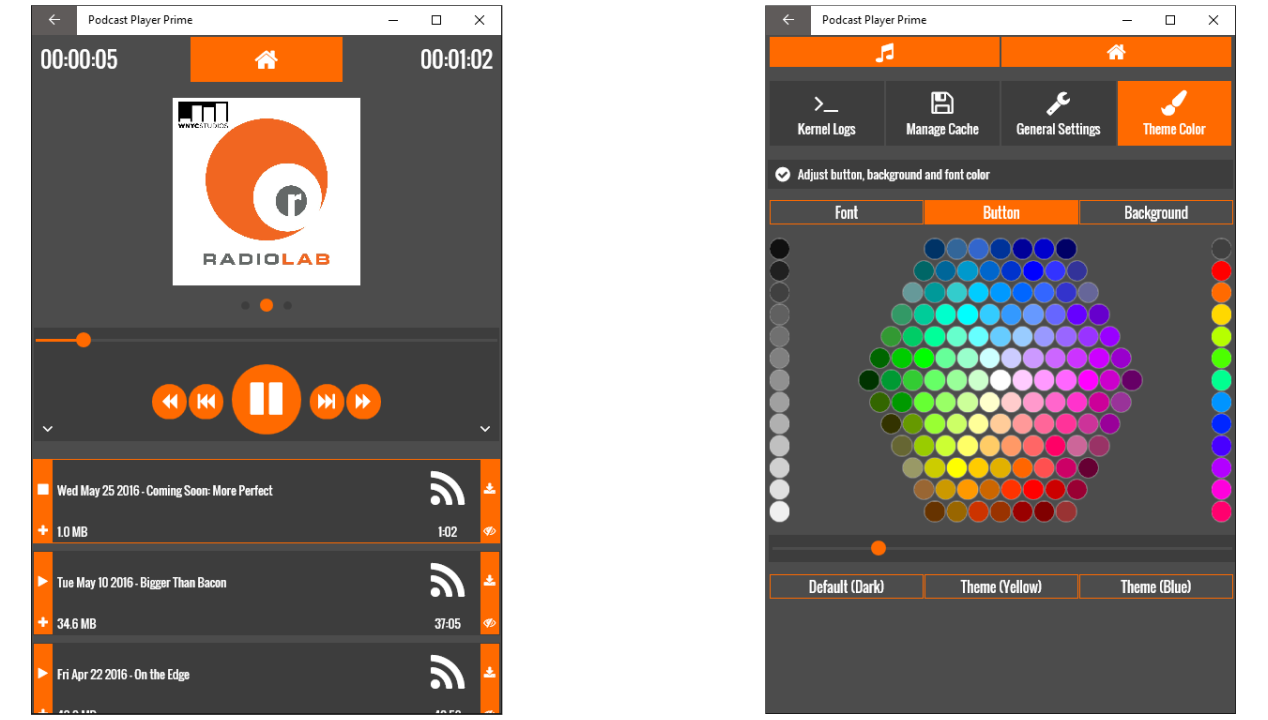
- Built-In Media Management: The integrated music player is optimized for speech, allowing you to play, pause, and track your progress through long-form episodes effortlessly.
- Local Download Manager: For offline listening, the built-in downloader lets you save audio tracks directly to your local storage, ensuring your queue is accessible even without an active internet connection.
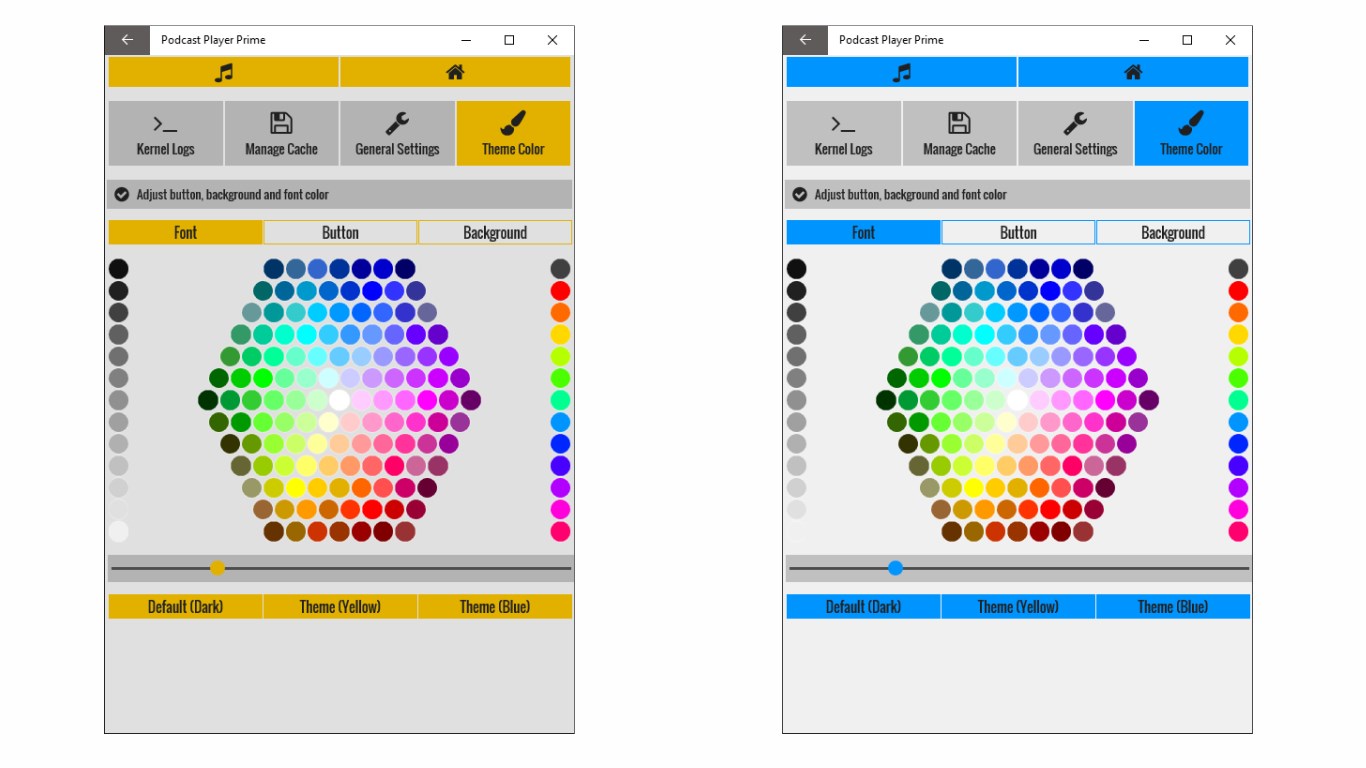
- Visual Personalization: A built-in color palette allows you to adjust the application's theme colors, matching the interface to your personal desktop aesthetic.
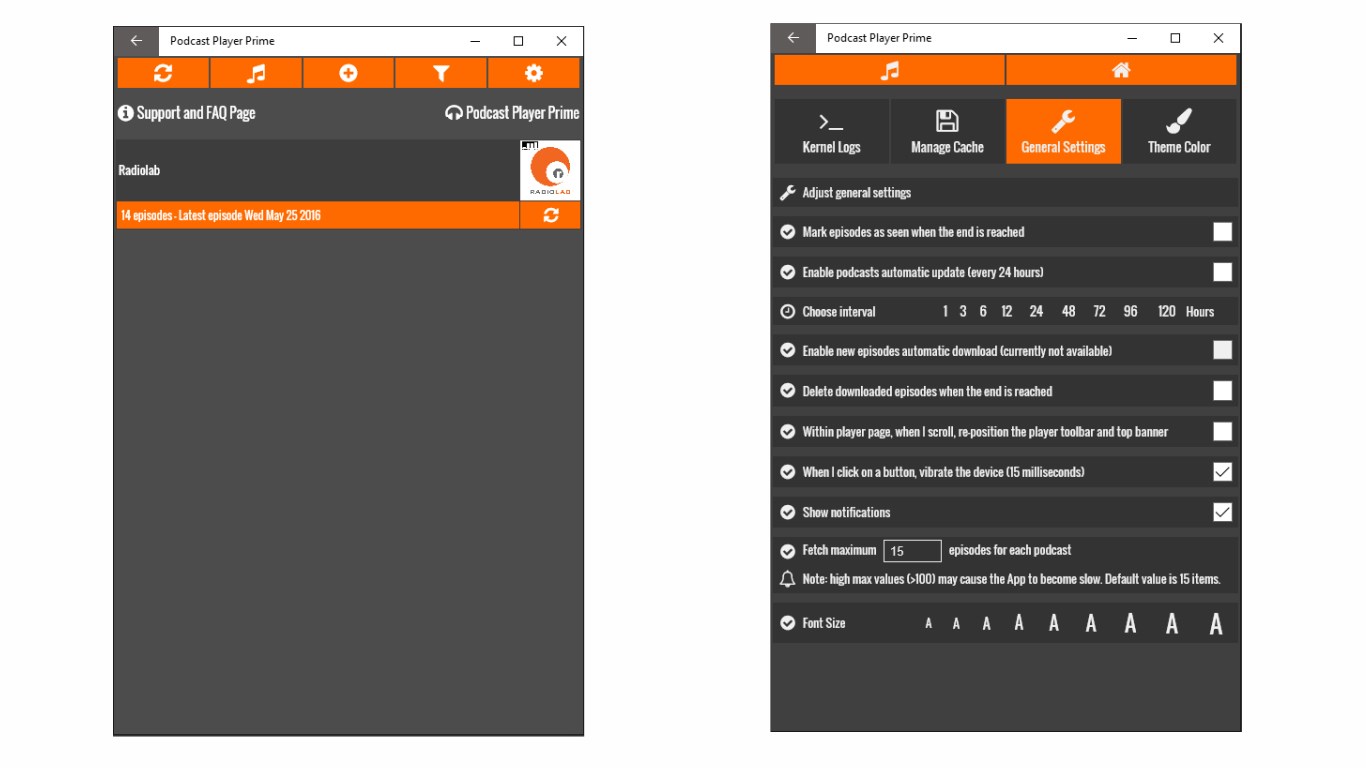
- Cache Control: To keep your Windows system running lean, the app features an internal cache management system, letting you purge temporary files and downloaded episodes directly from the settings menu.
Who Is This Application For?
The Podcast Player Prime podcast player is ideal for Windows users who prefer local desktop applications over resource-heavy browser tabs. If you frequently listen to long-form series while working offline, or if you prefer to keep your audio files organized in a single, dedicated interface, this lightweight player provides the exact utility you need without unnecessary complexity.
Getting Started and Support
Setting up your feed is straightforward. Upon first launch, the application displays clear instructions on its front page to help you import your feeds and configure your preferences. For troubleshooting or to submit bug reports, the developer maintains a dedicated support form on their official homepage, ensuring users have a direct channel for feedback and updates.
If you are looking for a straightforward, customizable desktop companion for your daily listening routine, you can explore the official listing and download the app directly via the Microsoft Store.